Building a backend
The editor draws a graph, validates it and debugs it, and executes nothing. Everything it cannot do itself it asks a backend for — and that backend is yours, because the stages are yours: what a pipeline can do in your product is a question only your code can answer.
That division is not packaging. The execution semantics — CEL, the frame,
try/except, parallel, the budget — live in the core, and a second
implementation of them in JavaScript would mean the debugger shows something
other than what happens. So there is one implementation, the editor is its
client, and between them sits an HTTP contract of seven endpoints.
This track builds one such backend. It is the example in this repository's own README, taken apart in the order it was actually written: a support bot whose stages take a prepared ticket, look the answer up in a knowledge base, and either write a reply or hand the ticket to a person.
The steps
| Step | What you add | What it answers |
|---|---|---|
| 1. Your stages | register_stage, specs, events |
what a pipeline can do here |
| 2. The endpoints | FastAPI, a real Session, SSE |
how the editor reaches it |
| 3. What may be composed | a Policy per caller |
what a less trusted author may draw |
| 4. What a run costs | reserve: and charge() |
how much of it they may use |
| 5. Who is calling | plans and a credential | which of the above applies to whom |
The first two are all you need for a backend of your own. The last three are what turns it into something you can let someone else compose pipelines on — and they are the ones worth reading even if you never serve a second tenant, because "the stage registry is global" is a sentence with consequences.
What you need
Following along against the finished thing:
git clone https://github.com/leo-need-more-coffee/stageflow-example
cd stageflow-example && pip install -r requirements.txt && python main.py
and the editor at
leo-need-more-coffee.github.io/stageflow-ui,
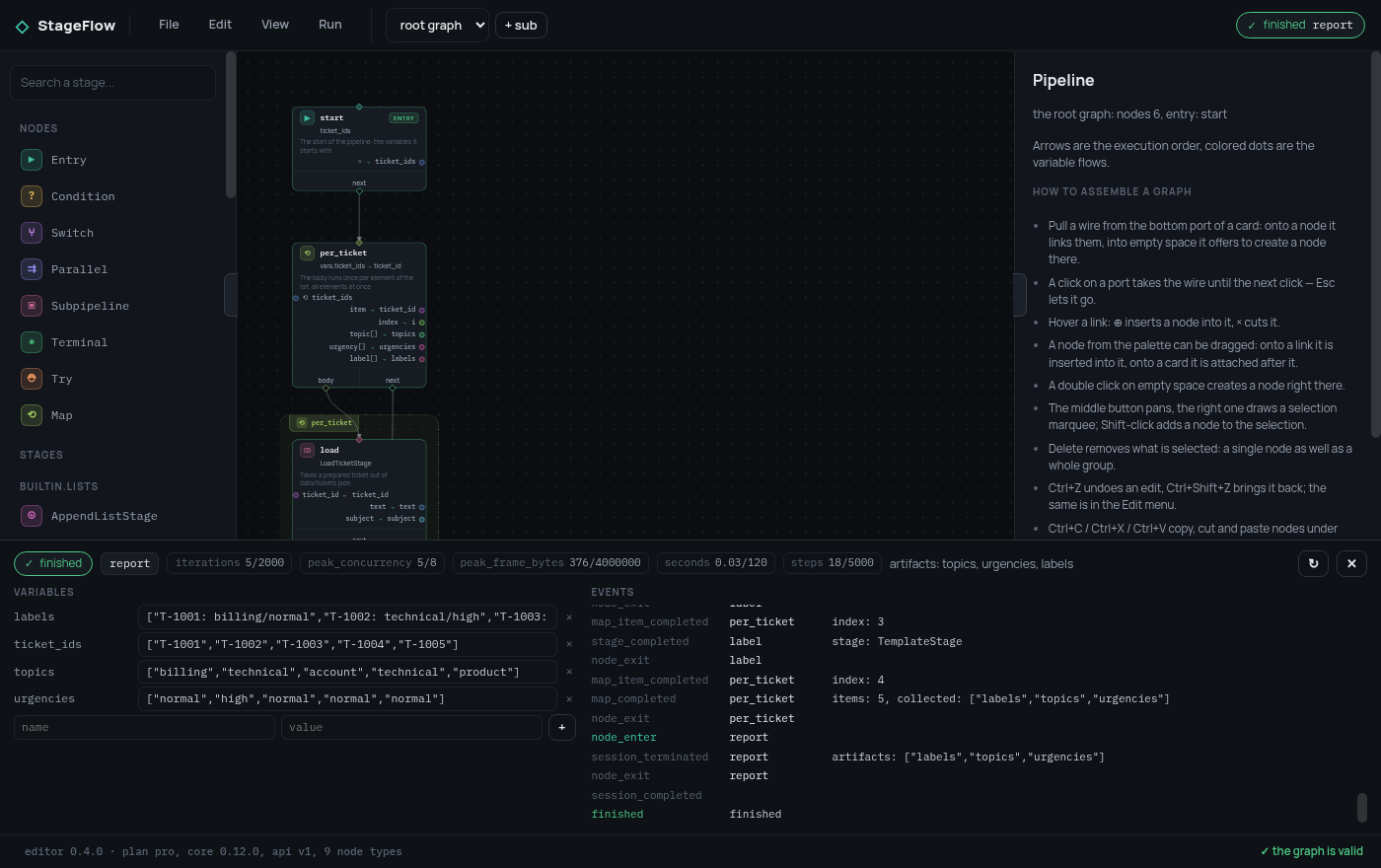
pointed at http://127.0.0.1:8765. Every screenshot on these pages is that
pair, running locally.